Best Discord Music Bots in 2026
A 2026 comparison of Discord music bots using official docs only: sources, queues, 24/7 and current plan prices, plus where to browse and invite bots on Discordium.
Guides · Guides & Tutorials
Best Discord Music Bots in 2026
Pick a music bot from what its official docs still promise — sources, queue limits and paid plans change, and some well-known names no longer play audio at all.
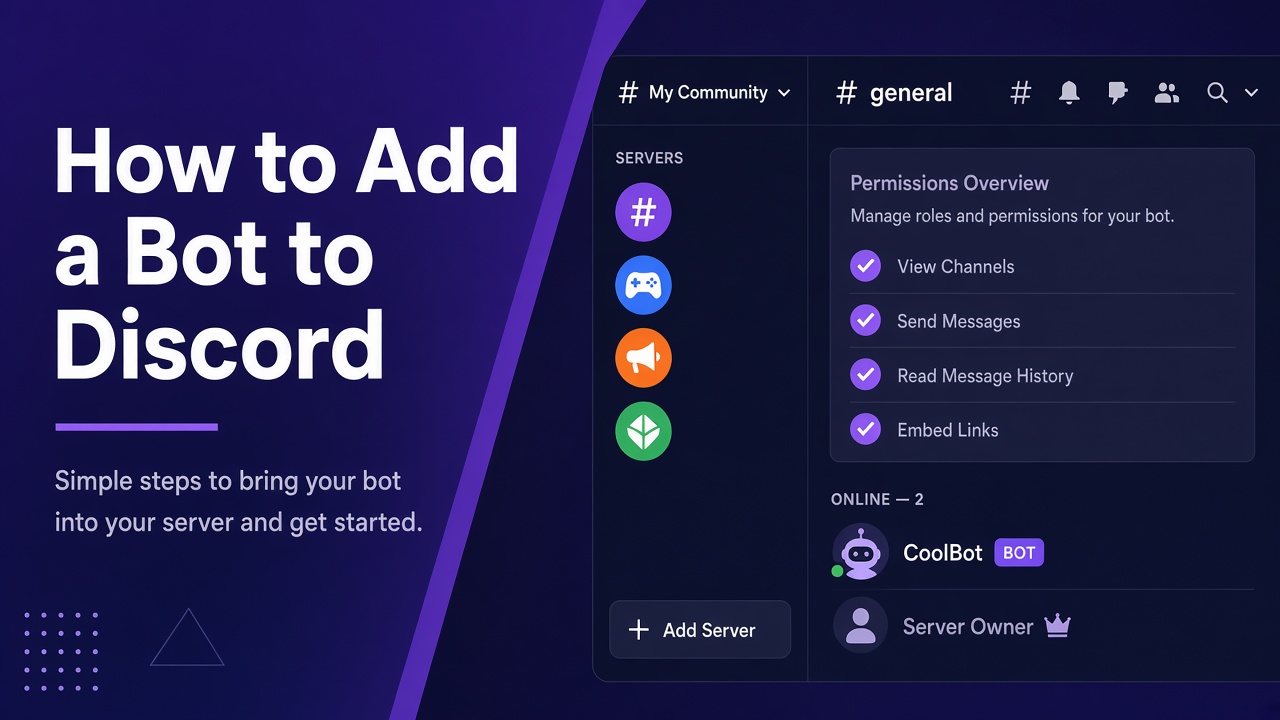
This comparison uses official documentation checked in November 2026. Prices and limits can change, and some services bill in your local currency. After you shortlist a bot, add it with an official invite — the steps are in How to Add a Bot to Discord — then see which music bots are listed on Discordium at discordium.org/bots/tag/music.
What to check before you invite one
- Sources. Confirm the sites and links the bot still documents. YouTube support, in particular, comes and goes.
- Permissions. A music bot typically needs to see and join voice, speak, and send messages. You do not need Administrator to play audio. Some official invites still request it; review Discord's authorize screen.
- 24/7 and queues. "Always online" is not the same as 24/7 playback that stays in an empty channel. Check whether that mode is free or paid, and what the queue cap is.
- Still a music bot. A few older names kept their brand after dropping playback. If the official site no longer describes music features, don't treat it as a music bot.
Side-by-side (official facts, November 2026)
| Bot | Official sources or method | Limits and 24/7 | Official paid plans |
|---|---|---|---|
| Jockie Music | Spotify, Tidal, Deezer, Apple Music, direct HTTP audio URLs, radio (the FAQ cites over 20,000 stations), plus Vimeo, Bandcamp, Twitch, Newgrounds and Mixcloud. YouTube is not listed on the official FAQ. | Queue up to 10,000 tracks. Collections: 50 per person free, 200 with premium. 24/7 needs 5 Jockie Music boosts, then applies to free and premium bots in that server. | Premium bots and 24/7 are tied to boosts via the project's Patreon. The official FAQ does not publish a current price. |
| FlaviBot | Spotify, Apple Music, Deezer, Tidal, Amazon Music, direct URLs, radio, and /play-file. Official docs state there is no YouTube support. |
Free queue: 200 tracks. Playlist import: 500 free, 10,000 with premium. Premium queue: 20,000. 24/7 and filters start at Silver. | Silver €3.99 / Gold €5.99 / Platinum €9.99 per month, from the official premium page. |
| Green-bot | Official copy says you can play from a search or a link, and use player buttons, a web player, Discord Activity and lyrics. It does not currently publish a list of supported sites, so this article does not invent one. | 24/7 is not included in Pro. It is included in Pro Server (for that server). Custom Bot is a separate plan for your own bot instance. | Pro $2/month; Pro Server $3.50/month; Custom Bot $7.50/month. Official pages note that charges may appear in local currency. |
| Euphony | The free Standard plan includes a web player, lyrics and Last.fm. Official plans say YouTube links are part of Enhanced. Directory listing: Euphony on Discordium. | Standard: 100-track queue and 3 bots. Enhanced: 24/7 and a 5,000-track queue. Deluxe covers 3 servers. | From official subscriptions: Enhanced $4.99/month, Deluxe $8.99/month, Individual Premium User $2.99. Standard is free. |
| Chip | The official commands page documents /play with Spotify track, album and playlist links, as well as search. Other sites are not listed there, so they are omitted here. |
The site advertises 24/7 uptime for the bot itself, and a /247 command that "keeps Chip playing forever." Public pages checked for this article do not say whether that command is free or paid. |
Chip Premium exists (the site links out to Patreon). A current official price was not published on the public pages checked. The homepage says commands are not placed behind a payment wall. |
| Rythm | Official docs describe a licensed music service and premium perks. This article does not list catalogue size or sources beyond what those docs state clearly. | See the official premium docs for current perks. No official price appeared on those pages when checked. | Premium is documented; a public official price was not, so none is quoted here. |
Bots that no longer play music
Hydra's official premium page states that it has not offered music features since 7 February 2023. Don't invite it expecting a music bot. Older public bots such as Groovy also shut down in earlier years; if a page still uses a familiar name, read the current official site before you invite anything.
How to add and test one safely
- Open the official invite, or an Invite button on a Discordium bot listing. Review permissions on Discord's page. A music bot does not need Administrator.
- Give the bot access to one text channel and the voice channels you actually use. If it can't join, the usual cause is a channel overwrite, not a missing Administrator grant.
- Play a short official link or search, then confirm audio in voice. If slash commands are missing, see the add-a-bot guide.
Find a music bot on Discordium
The Music tag collects bots that list themselves as music apps, including listings such as Euphony. That set is not a ranking, and it will not always include every bot in the table above. Use official docs for features and prices, then use Discordium to compare listings and open an invite when one is provided.
If you develop a music bot, you can list it for free with a client ID and a one-time ownership check — never a bot token.
Choosing checklist
- ☐ Official source list (or an honest "search or link" description) matches what your members play
- ☐ Queue cap and 24/7 rules are acceptable on the free tier, or you're willing to pay the official plan
- ☐ Invite does not require Administrator just to play audio
- ☐ Current official site still describes music features
- ☐ You've opened a directory listing or official invite, not a random download
Frequently Asked Questions
Which music bot is "the best"?
There isn't a single answer. If you need documented catalogue sources and a large queue, Jockie and FlaviBot publish the most specific official lists. If you want a web player or Activity-style controls, read Green-bot and Euphony's current plan pages. If you only care what's already listed for Discord communities, start at the music tag.
Do I need to pay?
All of the bots in the table have a free way to play something. Paid plans usually add 24/7, larger queues, filters or extra bot instances. Treat the prices above as a snapshot from November 2026 and confirm them on the official page before you subscribe.
Is it safe to add a music bot from a directory?
A listing is a starting point. Use an official invite, read the permissions screen, and skip any page that asks for a password or bot token. See the trusted links guide if a URL looks off.
Next step
Browse music bots on Discordium, or open the full bot directory. When you're ready to install one, follow How to Add a Bot to Discord.
Editorial note: Feature and price details follow official project pages as of November 2026. Confirm the live premium or FAQ page before you subscribe.