How to Write a Discord Server Description That Helps People Decide to Join
Help potential members understand your community before they join. Learn what to include in your Discord server description, what to avoid, and how to write your own.
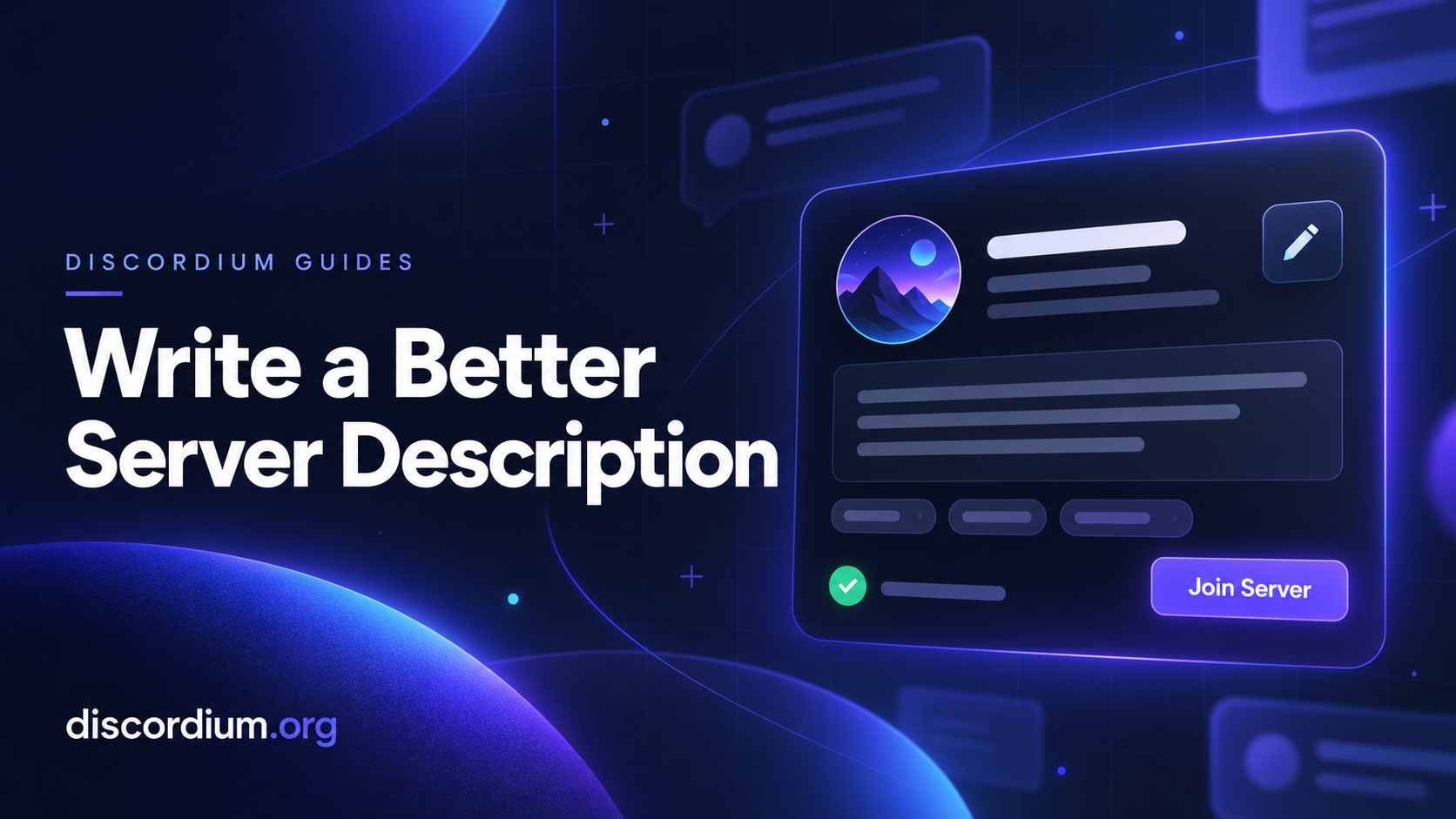
A potential member finds your Discord server listing. They see your name, your icon, and a short description. Can they tell what your community offers?
“Friendly community, active staff, fun events” could describe thousands of servers. A useful description gives people enough detail to decide whether your server fits their interests.
Here is how to write one.
1. Start With What Your Server Is About
Your first sentence should explain your community’s main purpose and who it welcomes.
Instead of:
“We are an awesome server with something for everyone!”
Try:
“A Minecraft community for adult players who enjoy relaxed survival, collaborative builds, and a fresh start without competitive pressure.”
The second version identifies a game, an audience, and a style of play. Readers can immediately judge whether it sounds right for them.
If your server covers several topics, choose the main reason someone would join. Supporting interests can come later.
2. Describe What Members Actually Do
A list of channels does not explain what belonging to your community feels like. Describe the activities those channels support.
For example:
Find teammates for casual evening matches.
Share artwork and exchange constructive feedback.
Join a weekly community movie night.
Ask development questions and discuss personal projects.
Build together on a shared survival world.
Only mention activities you currently offer. If events happen occasionally, describe them that way.
Specific, accurate details set expectations your community can meet.
3. Include the Details That Affect Someone’s Decision
Before joining, people may want to know your server’s language, age requirements, activity schedule, or rules.
Include the details that matter for your community:
Language: Is discussion mainly in English, German, or multiple languages?
Audience: Is the community for beginners, experienced members, or both?
Schedule: Do organized activities usually happen during European evenings?
Access: Must members complete an application or verification step?
Atmosphere: Is the focus casual, competitive, educational, or creative?
You do not need to reproduce your entire rulebook. Give readers the information that could change their decision to join.
4. Explain What Makes Your Community Different
You do not need to claim that your server is the best. Explain one or two things members can actually experience.
Perhaps your community runs a monthly building project. Perhaps beginners can ask questions in a dedicated help channel. Perhaps your roleplay server uses an application process and scheduled sessions.
These details say more than “unique features” or “amazing community.”
A smaller server can also describe its current stage honestly:
“We are a growing group looking for players who want to help shape our first shared world.”
That gives early members a clear reason to get involved.
5. Keep the Description Easy to Read
Use short paragraphs and group related information together. A reader should be able to identify your topic, activities, and entry requirements without working through a wall of text.
Avoid repeating the same invitation in several different ways. Excessive capital letters, decorative symbols, and long emoji chains can also make the important details harder to find.
Let formatting support your message.
6. Finish With a Clear Next Step
Tell potential members what to do after they join.
For example:
“Join, choose your game roles, and introduce yourself in the welcome channel.”
Or:
“Read the application guide after joining to get started with your first character.”
A concrete next step helps people understand what awaits them beyond the invite.
A Server Description Template
Use this structure as a starting point:
“[Server name] is a [language] community for [audience] interested in [main topic].
Join us to [activity one], [activity two], and [activity three]. Our community focuses on [specific atmosphere or shared value].
Before joining, please note: [relevant age requirement, application process, schedule, or access requirement].
Ready to get involved? Join and [first action].”
Replace every placeholder with accurate information. Remove any sentence that does not help someone understand your server.
Review Your Description as Your Community Changes
Your listing should describe the server people will join today.
Update it when you change your focus, retire an activity, introduce an application process, or adjust your event schedule. Check that your invite works and that any advertised features are still available.
If newcomers repeatedly ask the same question, consider answering it in your description.
Give People a Clear Reason to Join
A strong description explains who your community is for, what members do, and what to expect after joining. It helps people make an informed choice without promising instant friendships or guaranteed activity.
Ready to introduce your community? Add your server to Discordium and give potential members a clear picture of what awaits them.