Discord Server Scam Prevention: A Practical Safety Checklist
Discord Safety · Community Management
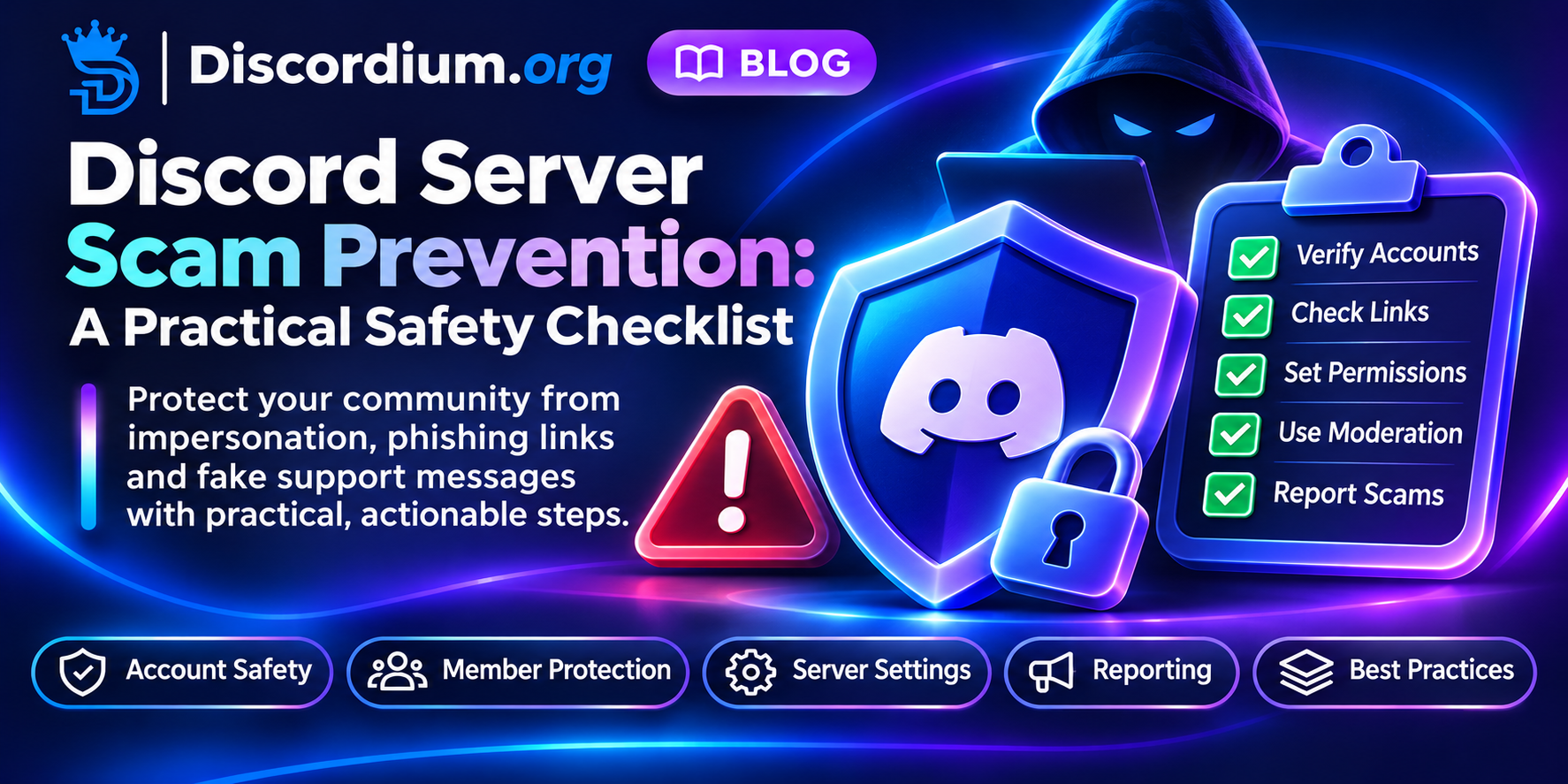
Discord Server Scam Prevention: A Practical Safety Checklist
Trust is a community feature. Make it easy for members to recognize genuine staff, question suspicious links and report incidents safely.
Why scam prevention belongs in onboarding
New members often arrive through invites, search results or recommendations. They may not know which accounts belong to moderators, which links are official or how support works. A clear safety introduction can prevent confusion before a suspicious message appears. This guide is a general operational checklist, not a claim that any particular scam is currently affecting Discordium.
1. Publish a single source of truth
Keep an easy-to-find channel or page listing official support routes, verified domains, and the staff roles that can contact members. Explain that usernames and profile images alone do not prove affiliation. Update the list when staff or domains change.
2. Establish a no-secrets rule
Tell members and moderators never to share passwords, one-time codes, backup codes, bot tokens or session credentials. Legitimate staff should not need these to resolve ordinary server issues. Remind members to check the actual destination of a link rather than trusting its display text.
3. Treat unsolicited DMs carefully
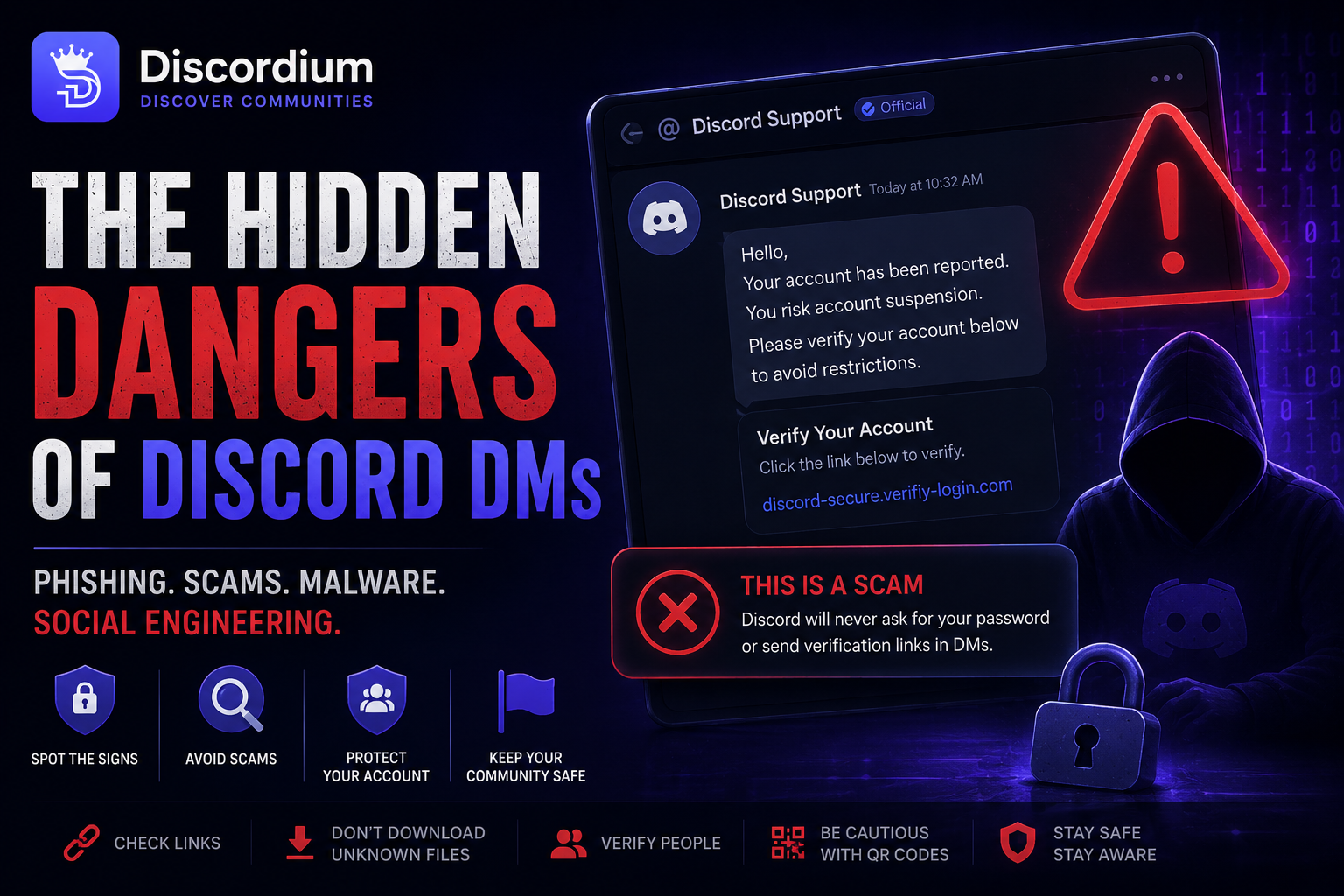
Fake moderators may claim an account is about to be banned or offer prizes requiring immediate verification. Teach members to verify claims in a known public information channel or through an established support route—not by replying to the same suspicious sender.
4. Design a reporting path
Provide a private way to report suspicious accounts, links and messages. Ask for the minimum useful evidence, such as message links, timestamps and a short explanation. Avoid requiring members to repost malicious links publicly. Restrict access to reports and document retention practices.
5. Configure permissions deliberately
Review who can create invites, mention everyone, manage webhooks, edit channels and assign roles. Apply least privilege to bots and staff. Avoid granting Administrator as a shortcut; check channel overrides and role hierarchy when troubleshooting.
6. Use layered moderation
Combine clear rules, appropriate Discord safety settings, trained moderators and carefully tested automated filters. An aggressive link filter can block legitimate support resources, so define exceptions and an appeal route. Review false positives regularly.
7. Prepare an incident playbook
- Confirm the report without clicking untrusted links.
- Limit exposure by removing malicious content and restricting compromised permissions.
- Preserve only necessary evidence for investigation.
- Notify affected members with factual, non-alarmist guidance.
- Rotate exposed credentials and review connected applications if compromise is suspected.
- Record lessons learned and update documentation.
8. Make safety notices useful
A good notice says what happened, who might be affected, what to do now and where to get help. Do not publish private details of reporters or claim an investigation is complete before it is. Include the date of the notice so old warnings are not mistaken for active incidents.
9. Review third-party bots and integrations
Before installing a bot, check its documented purpose, developer support route, requested permissions and data practices. Reassess integrations after major feature changes. Remove unused bots and webhooks; revoke credentials if they may have been exposed.
10. Teach through short, repeatable reminders
Safety education works best as an occasional, concrete reminder rather than a constant stream of warnings. Use examples such as "Staff will never ask for your login code" and "Verify links against our official channel." Give members a simple action to take if something feels wrong.
Copyable member safety notice
Stay safe: our staff will never ask for your password, login codes or bot tokens. Be cautious of unexpected DMs claiming to offer prizes or urgent account verification. Check official links in #information, and report suspicious messages through #support. Do not repost suspicious links in public channels.
Monthly moderator audit
- Official staff and domain information is current.
- Invite, webhook and role permissions have been reviewed.
- Members can report scams privately.
- Automated filters have been checked for false positives.
- Unused integrations have been removed.
- Incident response ownership and backup contacts are documented.
Where Discordium fits
Community owners can consult the Discordium Security Hub for safety resources and the Community Guidelines when preparing a trustworthy public listing. The Discord server directory helps people discover communities; a listing does not replace independent checks of a community's safety practices.
FAQ
Should staff ever request a one-time login code?
No. Login and recovery codes should remain private. If someone requests one, stop the interaction and use an established reporting route.
Are all external links unsafe?
No. Links are useful, but destination verification, appropriate moderation and clear official-link guidance reduce risk.
What if a moderator account is compromised?
Restrict the affected account's access where possible, secure credentials, review recent changes and inform members of relevant risks. Use Discord's official account recovery and reporting channels as appropriate.
Final takeaway
Good scam prevention is not about making members afraid of every interaction. It is about giving them reliable ways to verify information, report concerns and recover when something goes wrong. Build those paths before you need them.