Discord Bot Support Documentation: A Practical Troubleshooting Playbook
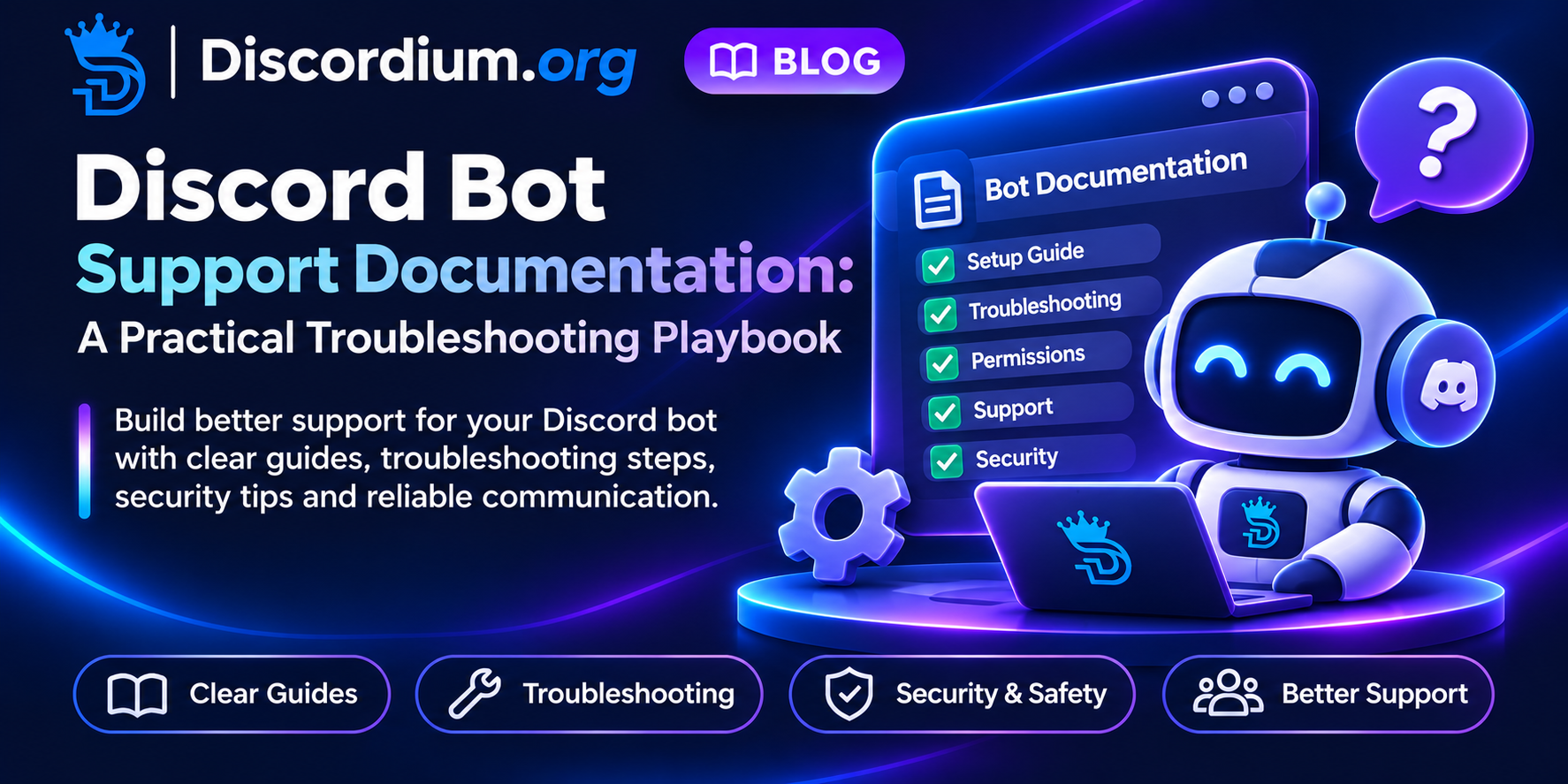
Discord Bot Support Documentation: A Practical Troubleshooting Playbook
People often judge a Discord bot by what happens when something goes wrong. Clear documentation, predictable troubleshooting and a respectful support process can turn an error into a solvable task. This practical playbook is for bot developers and community support teams, from small volunteer projects to growing multi-server applications.
The goal is not to eliminate every support ticket. It is to help users solve common issues quickly, give maintainers useful evidence when a bug is real, and keep sensitive information safe.
1. Start with the User's Goal
A good support page begins with the task a user is trying to complete: invite the bot, configure a feature, fix a command, or understand an error. Organize documentation around those goals rather than your internal code structure. Keep a short quick-start path separate from advanced reference material.
2. Explain Permissions in Plain Language
For every requested permission, describe what the bot does with it and which features stop working without it. Do not request Administrator merely to avoid diagnosing permission issues. Show users how to check role hierarchy and channel overrides when a command fails.
3. Make a Reproducible Bug Report Easy
Ask for the command or action, expected behavior, actual behavior, approximate time and relevant non-sensitive error text. Include a template that members can paste into a support ticket. Never request bot tokens, passwords, session cookies or private authentication codes.
4. Separate Outages from Configuration Mistakes
A failing command can reflect an outage, missing permission, cooldown, stale configuration or a genuine bug. Publish a concise status notice for known incidents and avoid telling every user to reinstall the bot. If you cannot confirm an outage, say that investigation is ongoing.
5. Document the First Five Troubleshooting Checks
A useful checklist asks whether the bot is online, the command is available in that context, the user has the required role, the bot has the necessary channel permissions, and any documented cooldown has elapsed. Keep examples current with the actual application.
6. Set Response Expectations
Define which support routes are monitored, what information belongs in public help channels and which issues should use private tickets. State response targets only if the team can meet them. A volunteer project can provide excellent support without promising continuous availability.
7. Protect Logs and Screenshots
Logs may contain user IDs, message contents, invite links or other sensitive details. Redact secrets and unrelated personal data before sharing evidence. Limit staff access and keep records only as long as necessary for support and legitimate security purposes.
8. Treat Releases as Support Events
When shipping a change, update the help page and troubleshooting steps at the same time. Explain which commands changed, whether any action is required and where to report regressions. Link to a changelog rather than relying on announcements that disappear in busy channels.
9. Give Developers a Safe Escalation Path
Create a separate path for suspected vulnerabilities or leaked credentials. If a Discord bot token is exposed, rotate it through the Discord Developer Portal. For a Discordium listing API token, regenerate it in the listing dashboard. Do not paste the compromised token into a ticket.
10. Measure Support Quality, Not Ticket Volume
Review repeated questions, time to first useful answer, reopened cases and how often the documentation solves problems without staff intervention. A rise in tickets may indicate better reporting rather than a worse product. Improve the instructions that cause the most confusion.
11. Keep a Lightweight Support Ownership Map
Assign maintainers for setup instructions, command reference, incidents and security reports. Name a backup for critical tasks and make it clear when volunteers are unavailable. Good handoffs reduce duplicated work and avoid creating dependence on one developer.
12. Review Your Public Bot Listing
A listing should accurately describe the bot, its purpose and the official support route. Discordium provides bot discovery and developer resources; use them as reference points, not as a substitute for your own product documentation. Avoid inflated claims or misleading feature descriptions.
Copyable Support Ticket Template
Bot / feature:
What I tried:
What I expected:
What happened:
Approximate time and timezone:
Non-sensitive error text:
Troubleshooting steps already tried:
Never attach access tokens, passwords or unredacted private messages. For an active security incident, use the project's private reporting route instead.
Quick Support Quality Checklist
- Installation and first-use steps are tested.
- Each permission has a documented reason.
- Common command errors have actionable fixes.
- Users know where to report bugs and security issues.
- Release notes link to updated documentation.
- Private information is minimized in support records.
How Discordium Fits In
Discordium is a discovery directory for Discord servers and bots. Its Developer API documentation covers listing integrations, while the API token safety guide explains credential handling. The Community Guidelines require honest, functional bot listings and prohibit misleading content. Review the bot changelog documentation for its specific eligibility and scope requirements before using that integration.
Frequently Asked Questions
Should Support Require Joining a Discord Server?
Not necessarily. A public help page and a clear reporting route are useful even when a support server exists. Make essential setup information accessible without unnecessary steps.
Should Users Send Screenshots of Errors?
Only when helpful, and after removing secrets and unrelated personal information. Plain-text error messages are often easier to search and compare.
How Often Should Documentation Be Updated?
Review it whenever a feature, permission, command or setup process changes, and revisit recurring support questions regularly.
Final Takeaway
Support documentation is part of the bot experience. Make the first answer easy to find, make troubleshooting safe, and make escalation predictable. Your users will spend less time guessing, and your team can spend more time building.